01
Dashboard
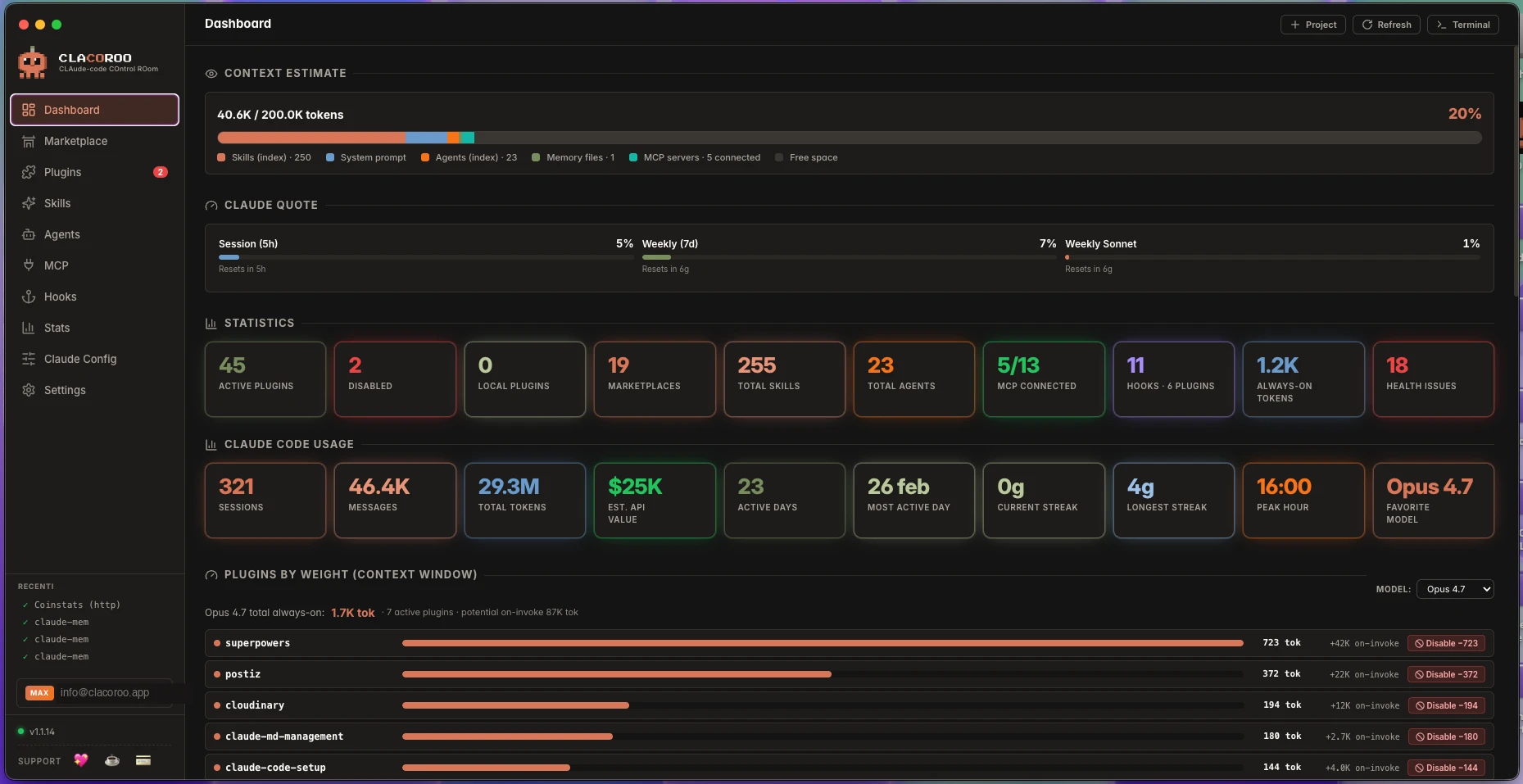
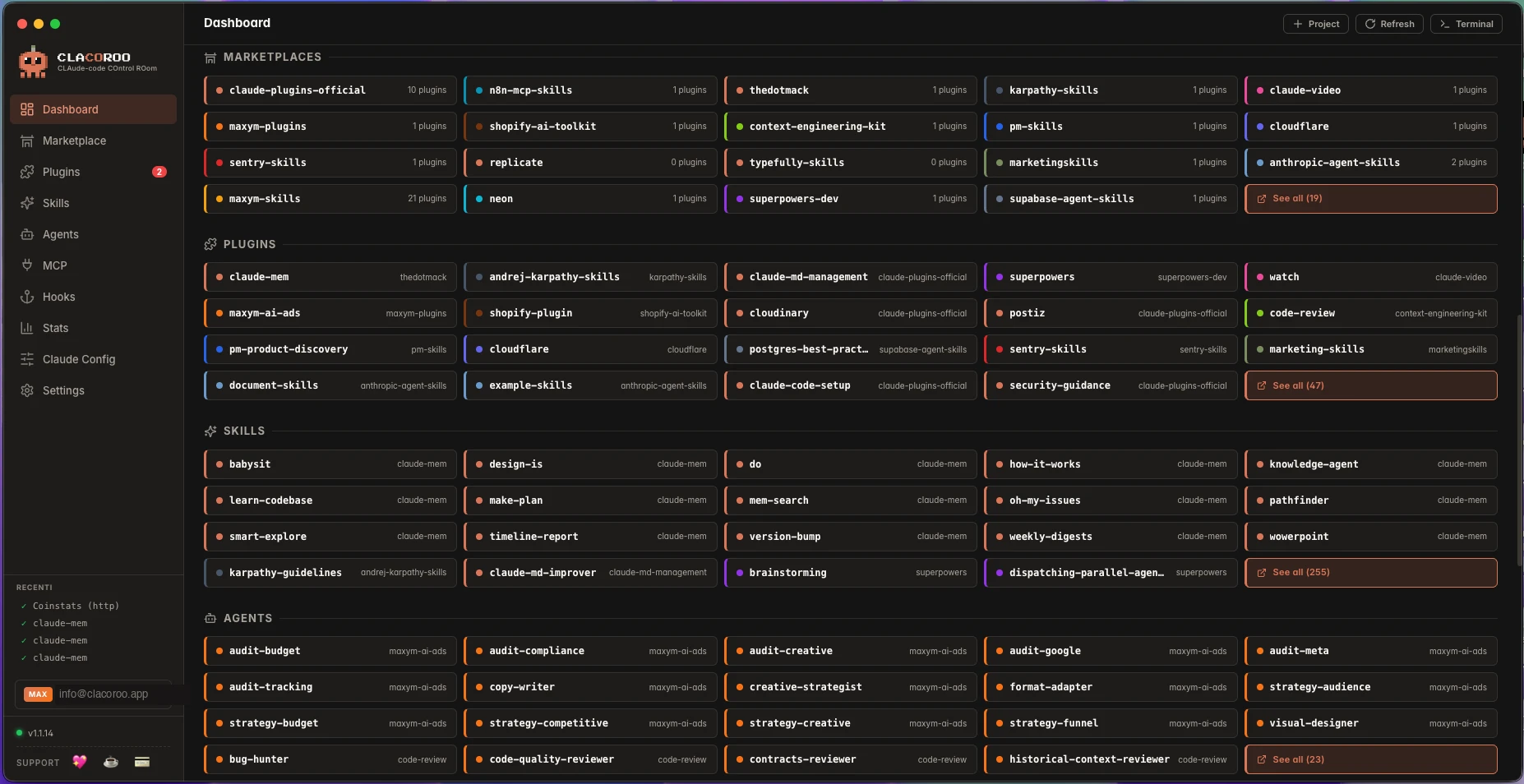
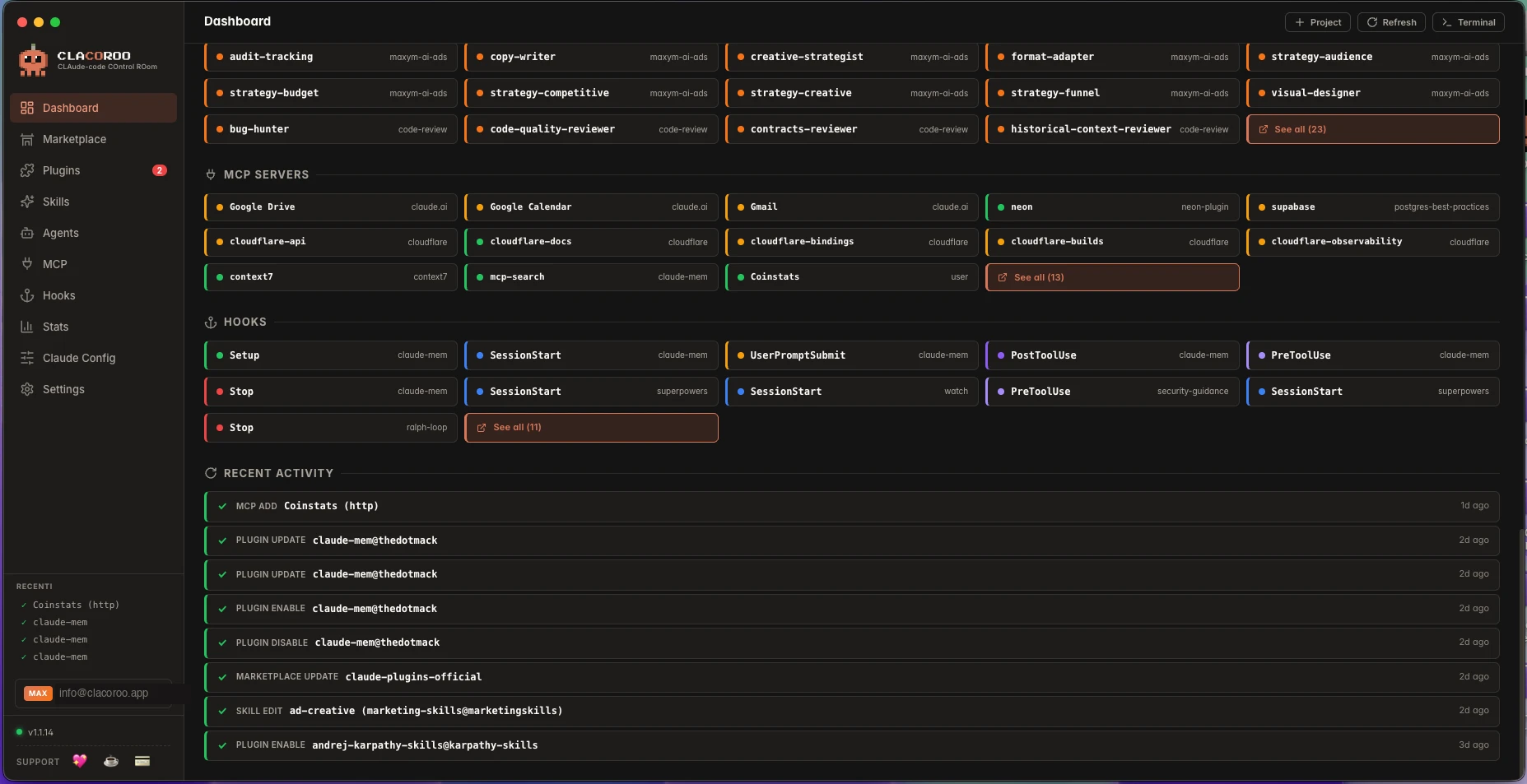
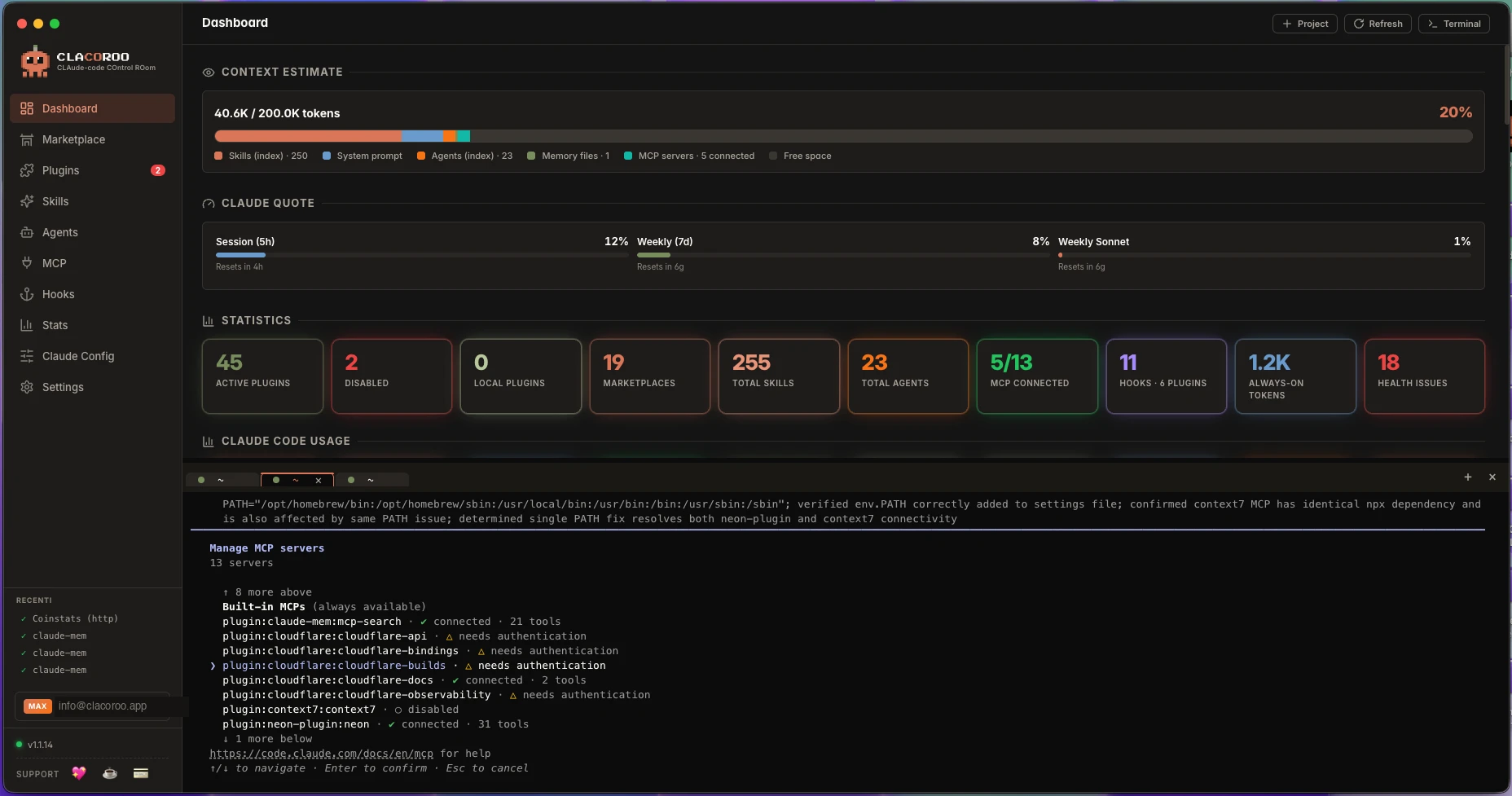
Token quota, statistics and Claude Code usage, all in one view.
1 / 3
Features
CLACOROO brings plugins, marketplaces, skills, agents, MCP servers and hooks into a single visual control room, instead of the command line.
Token quota, statistics and Claude Code usage, all in one view.
1 / 3
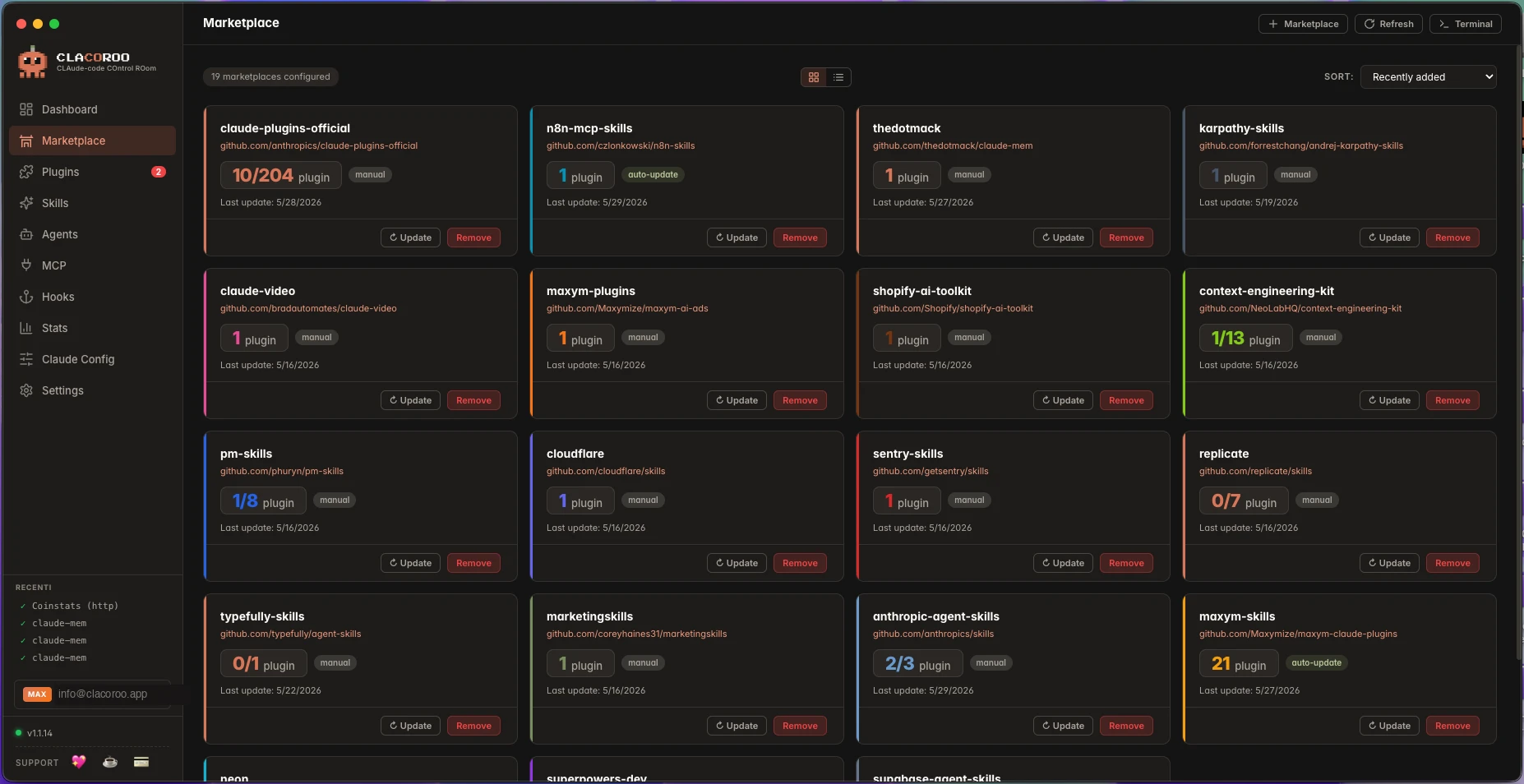
Every marketplace already installed in your Claude Code, in one grid.
1 / 4
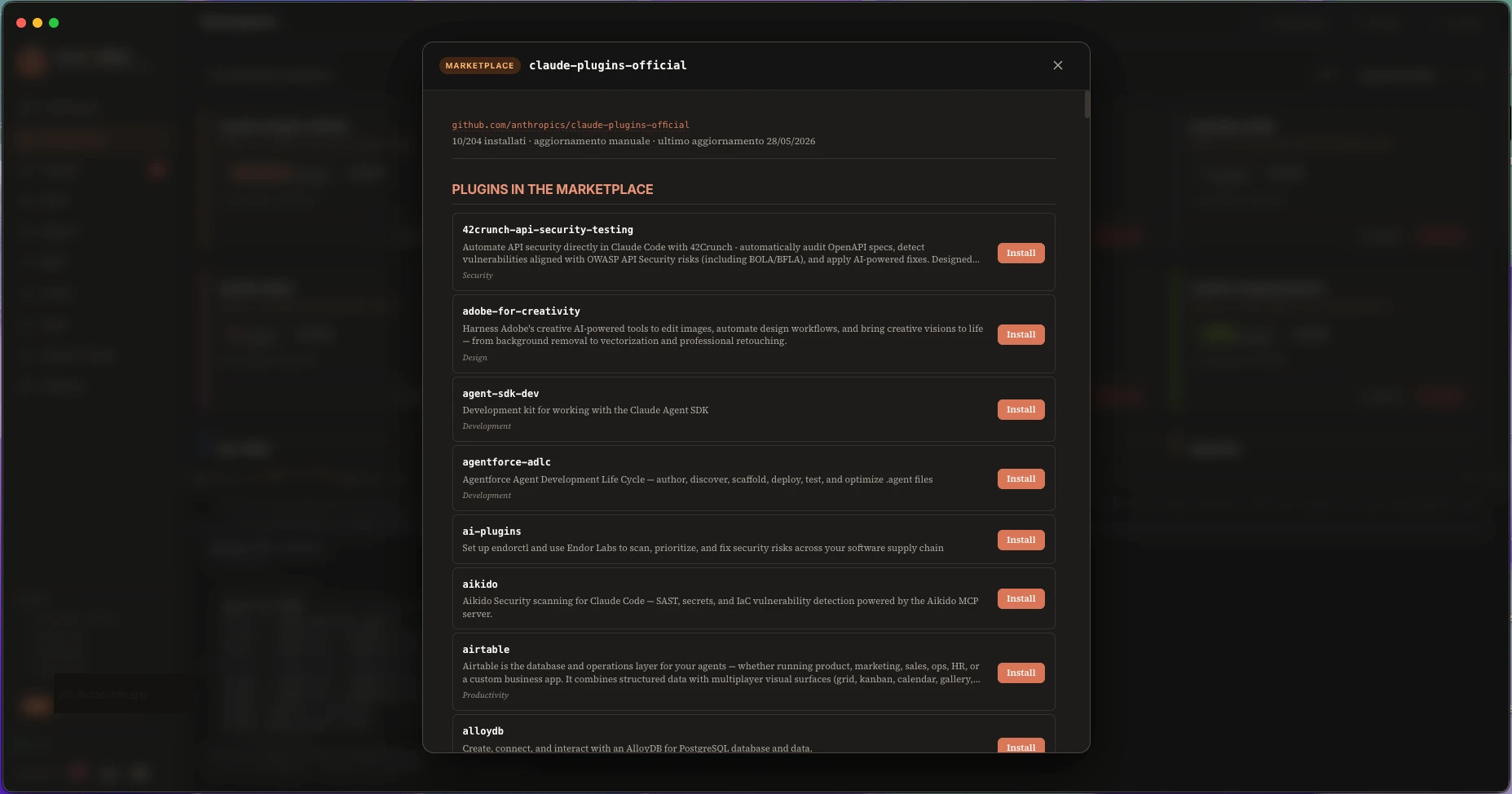
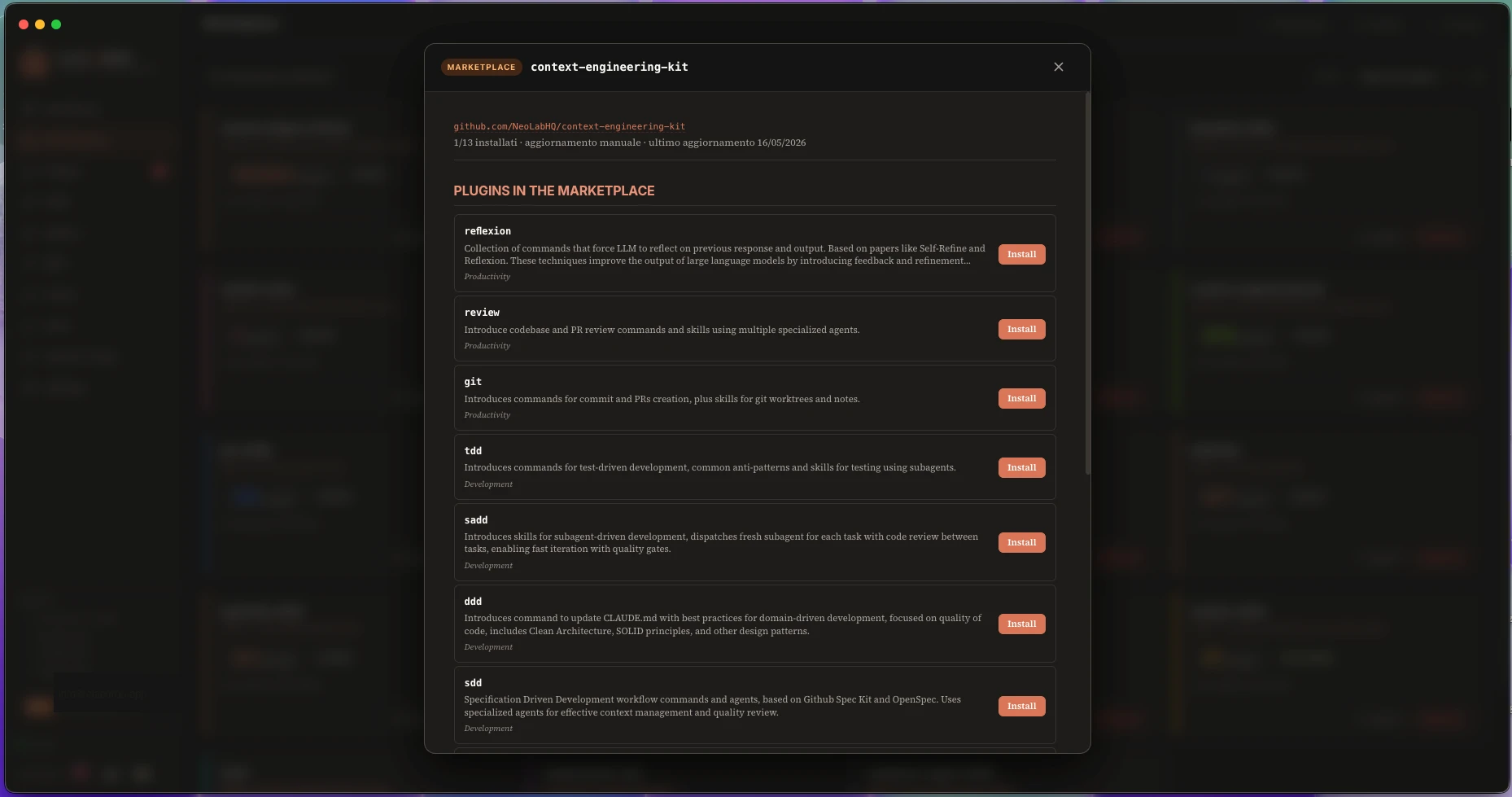
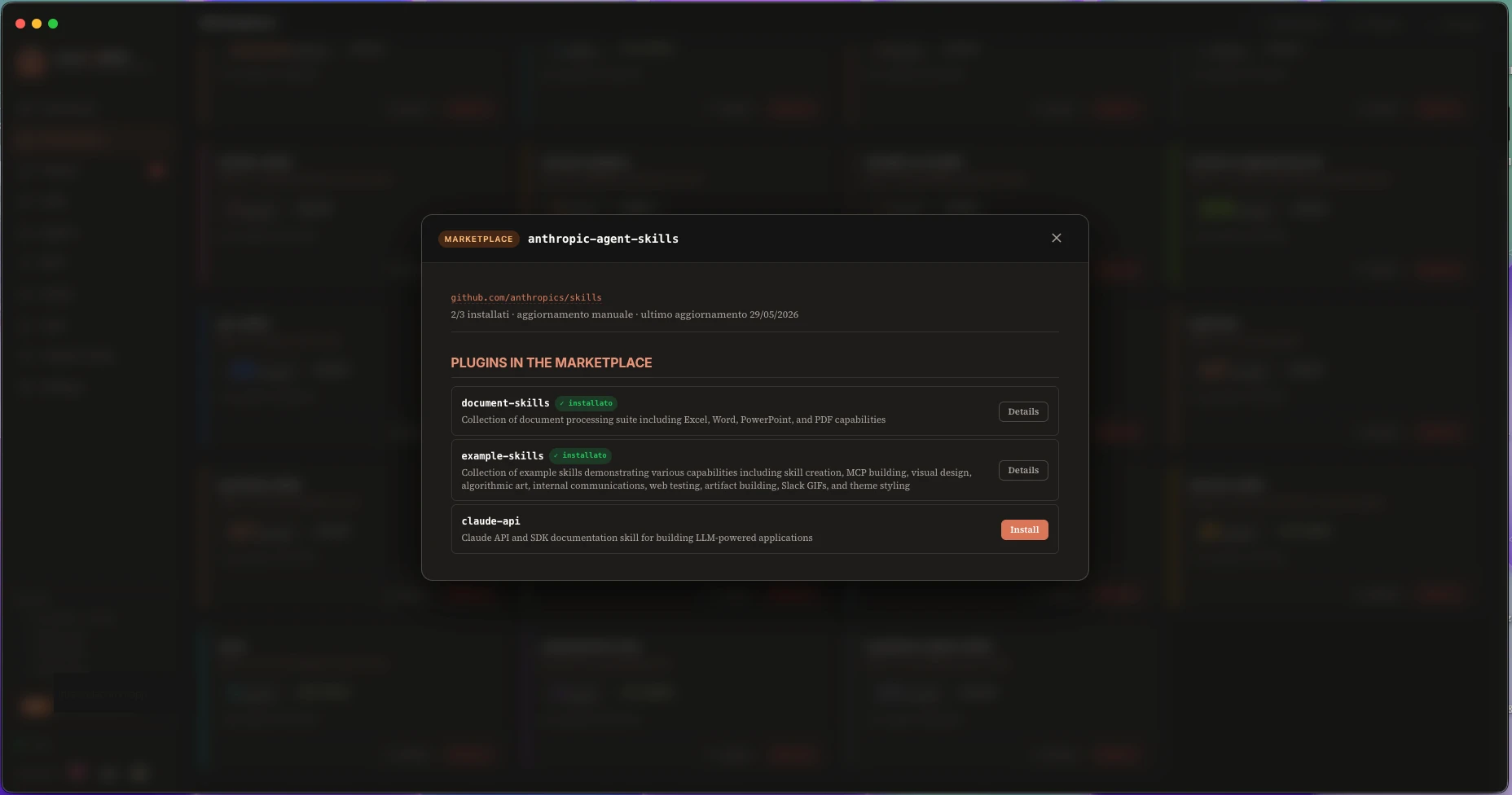
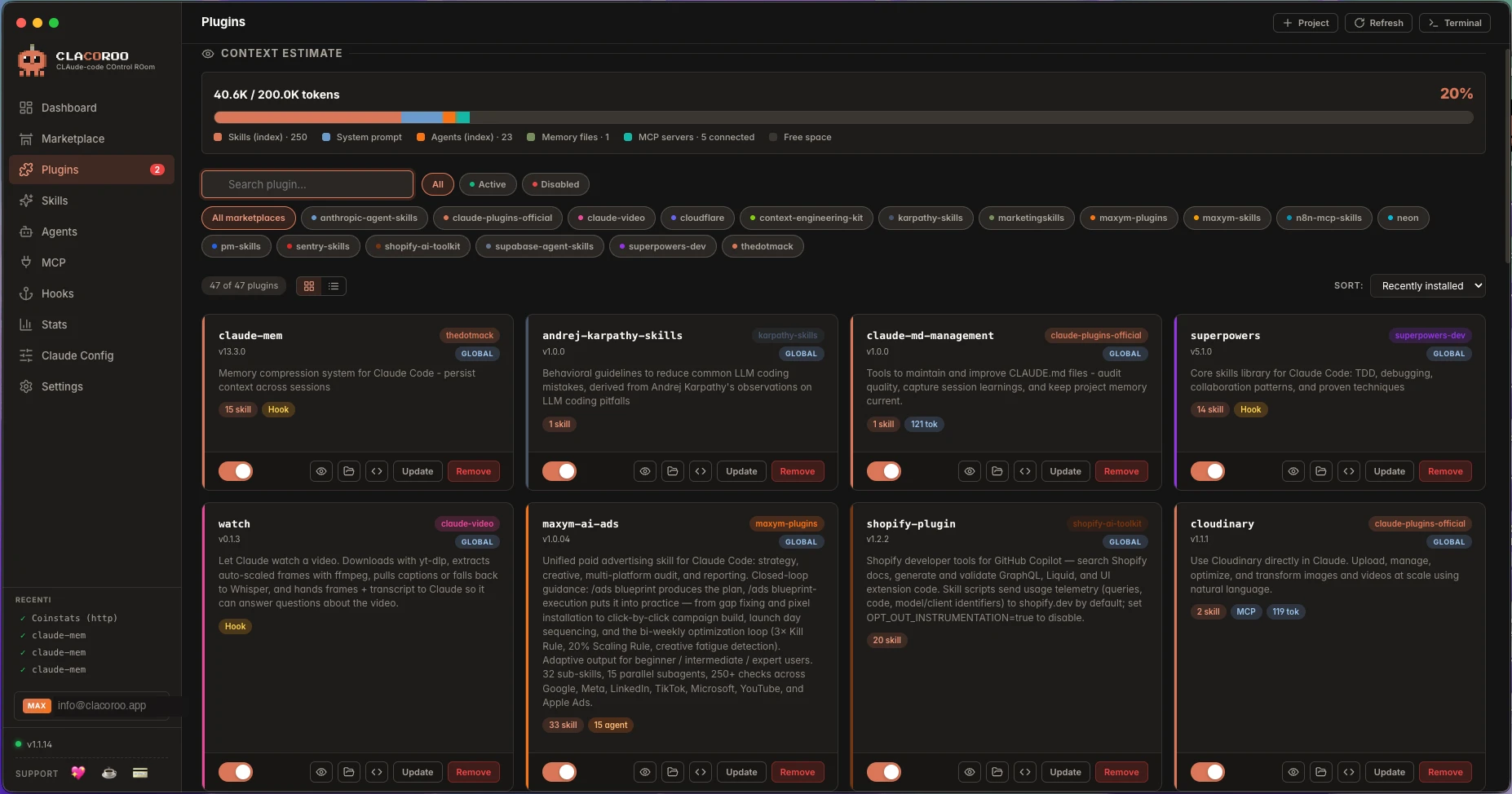
Every plugin installed in your Claude Code, ready to toggle and manage.
1 / 2
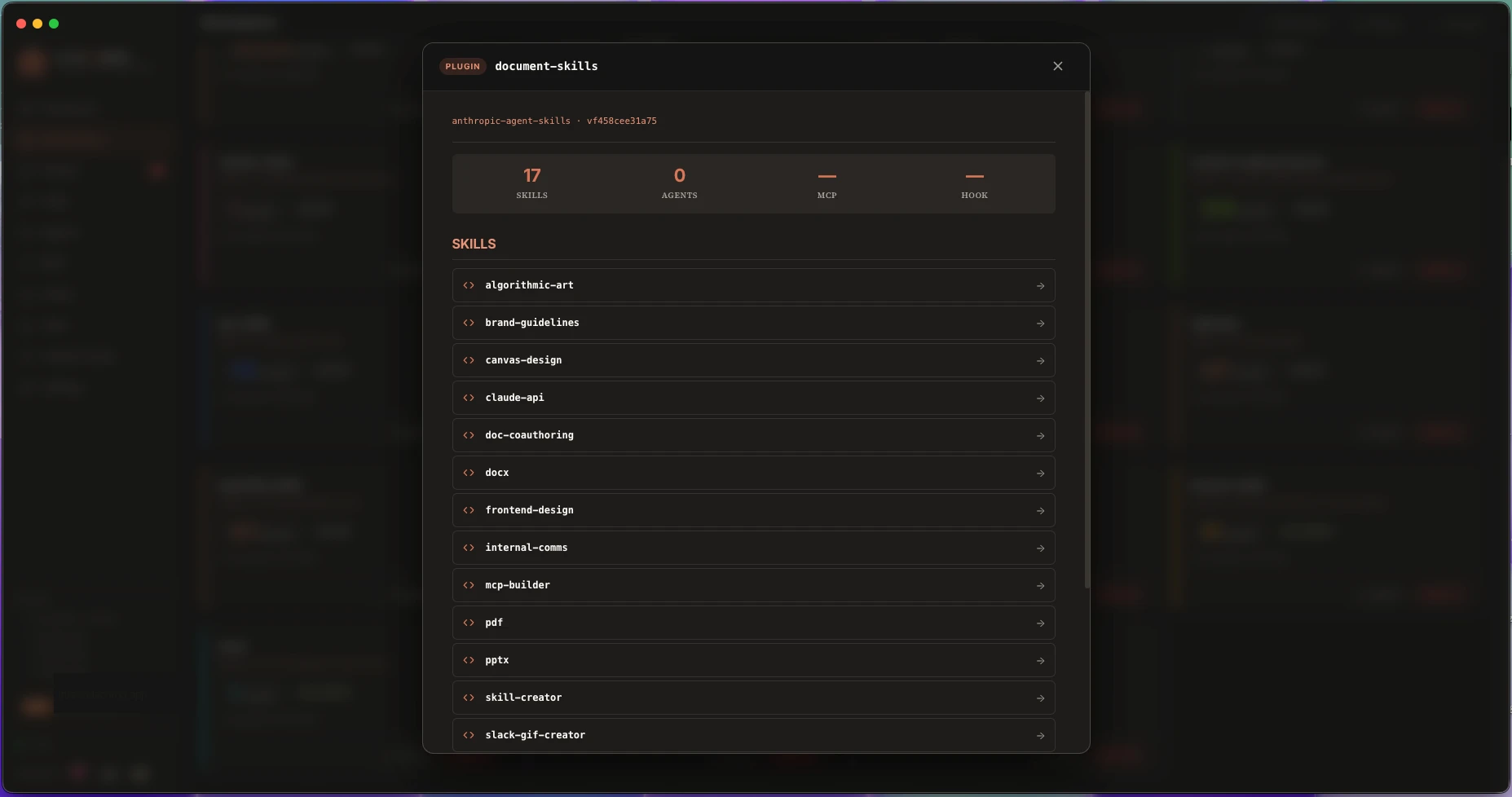
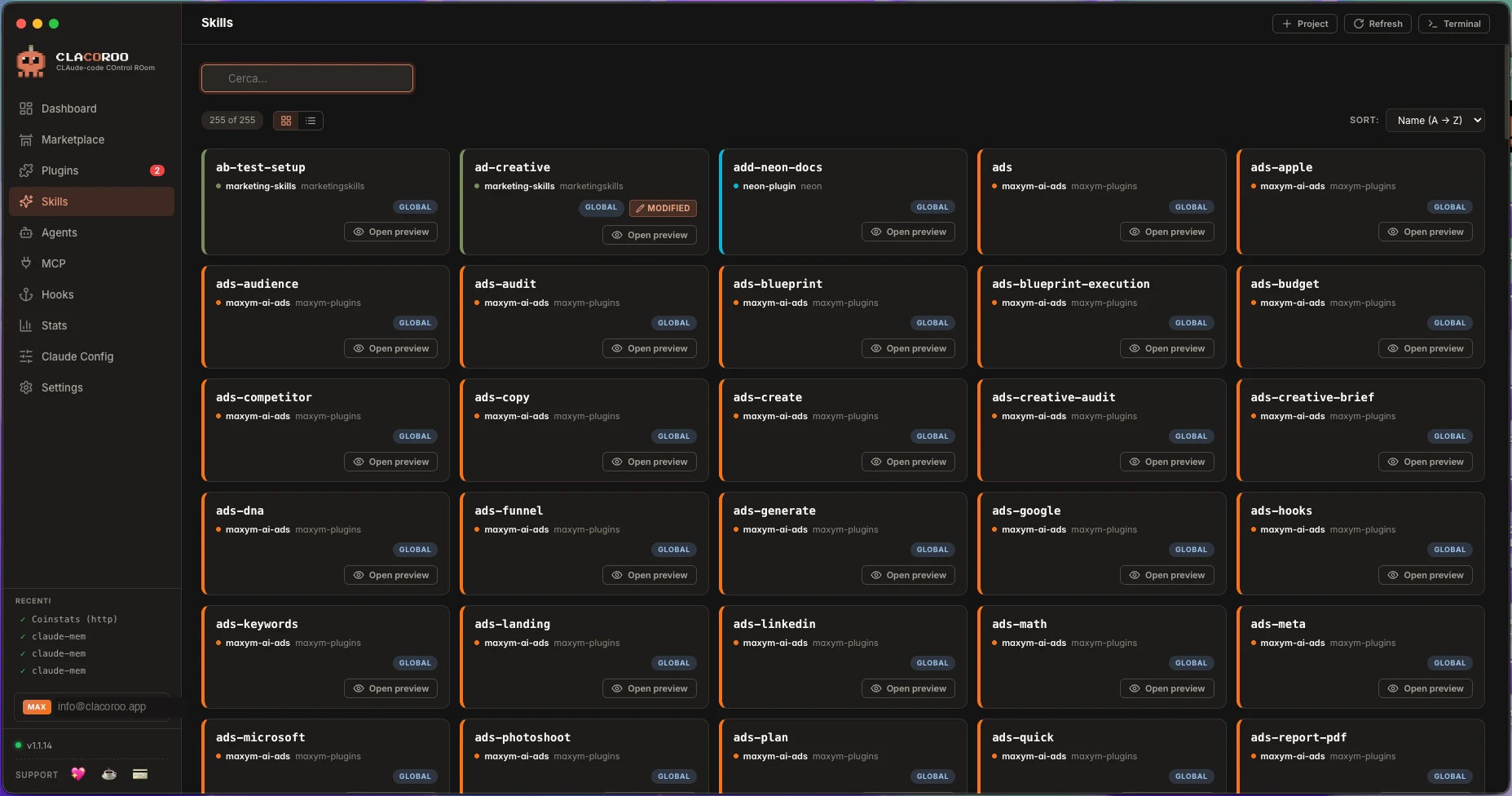
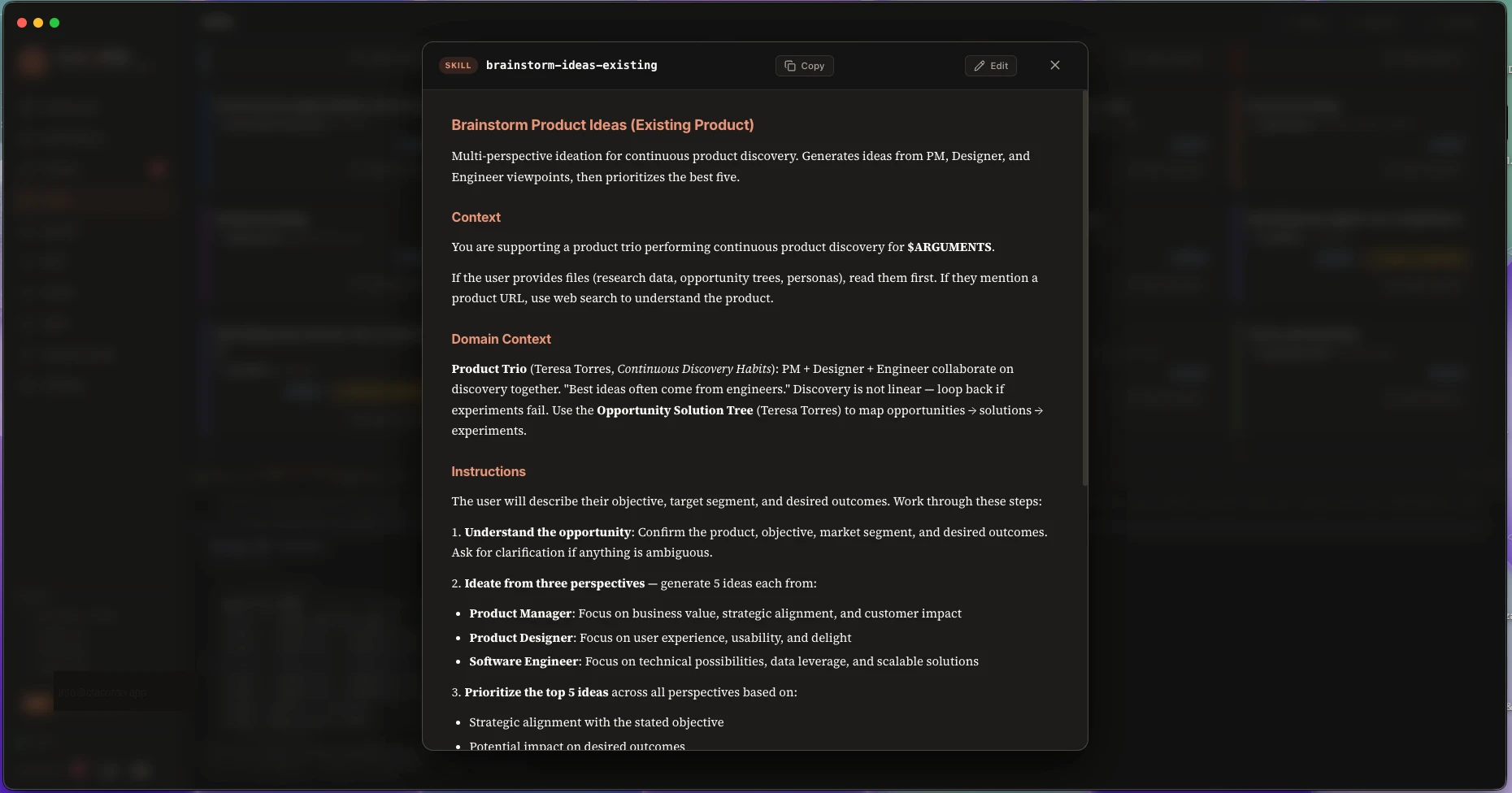
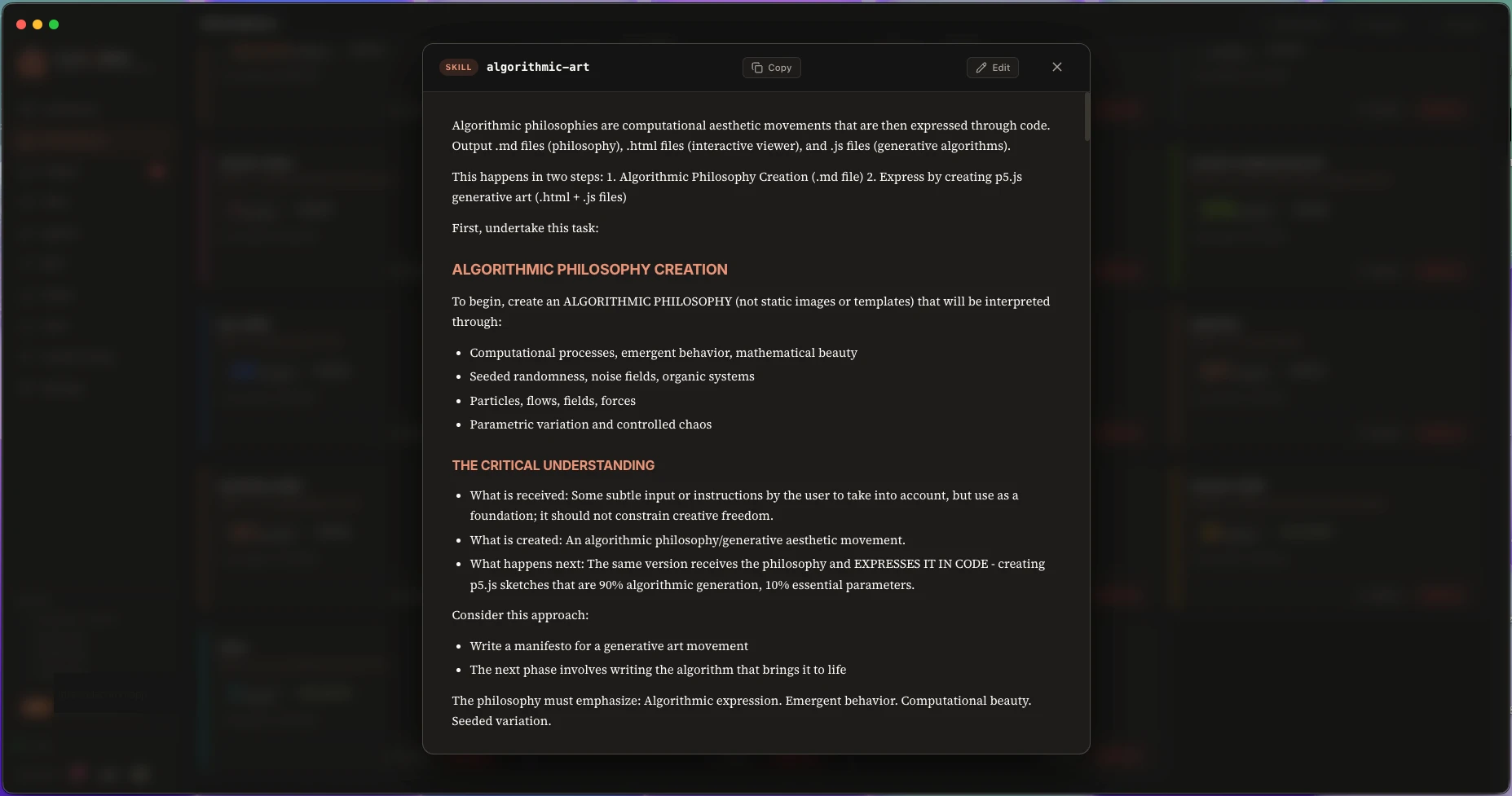
Your skills library, ready to enable or inspect.
1 / 4
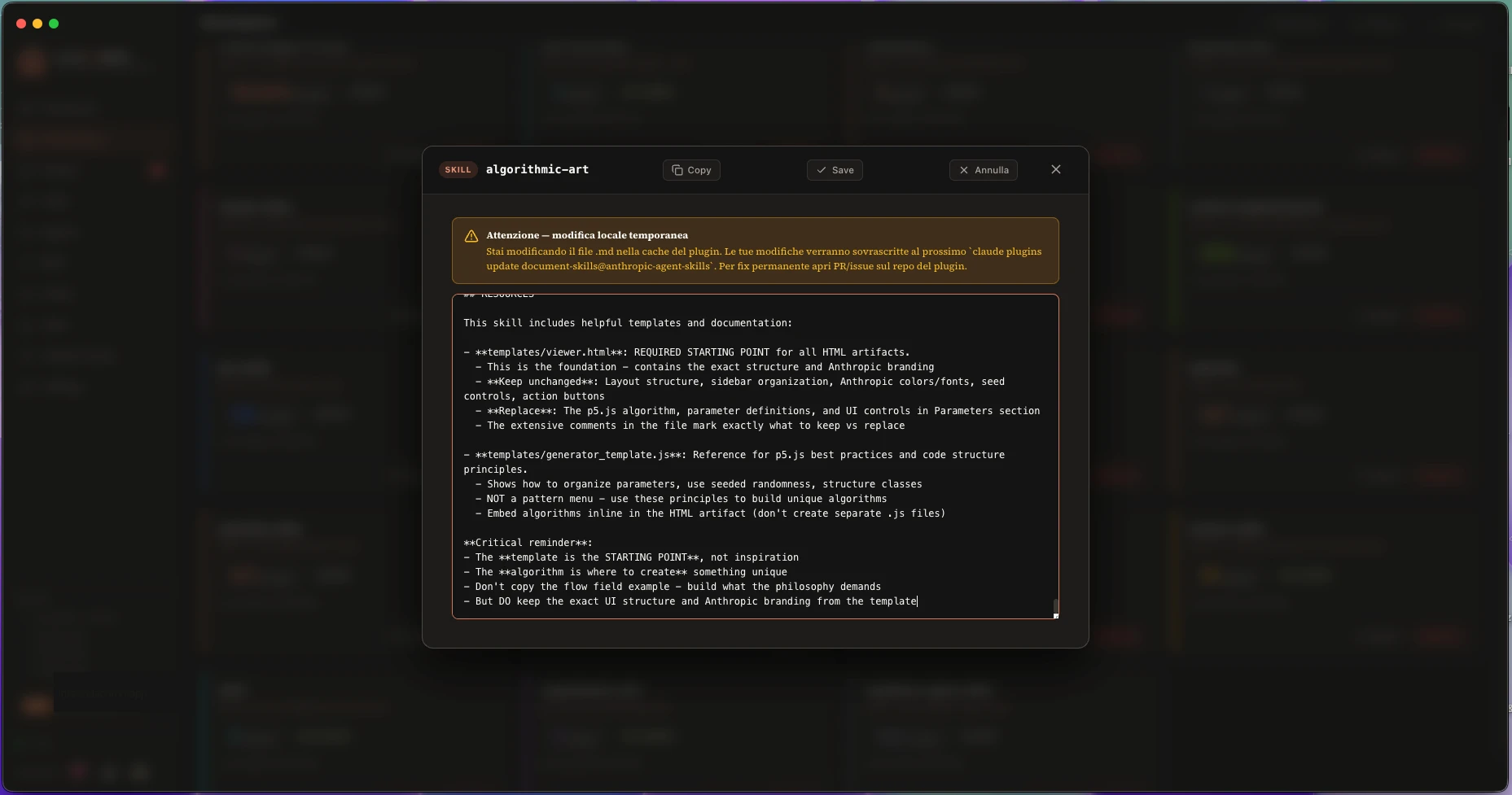
Browse and organize subagents across your projects.
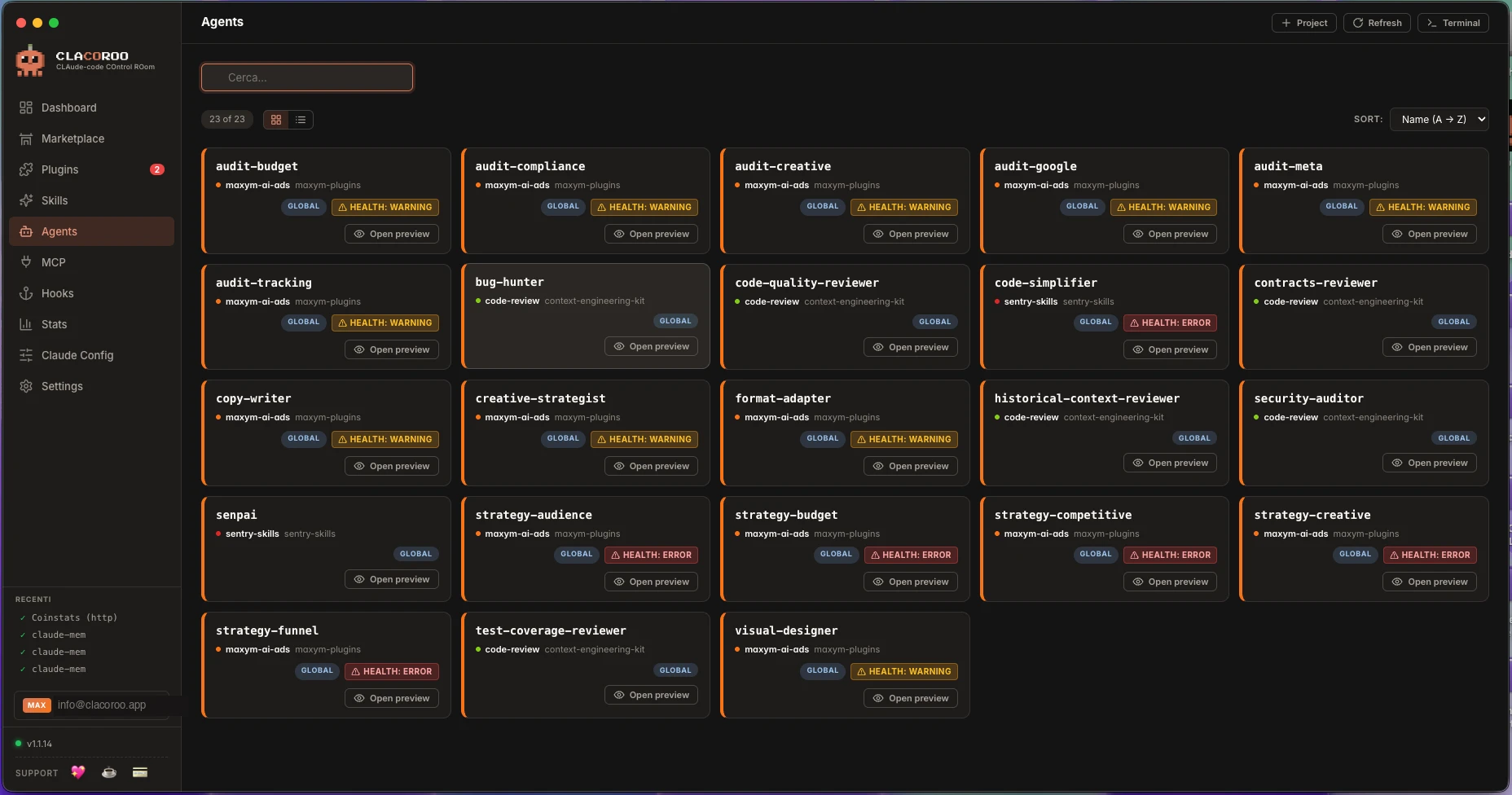
See every MCP server and whether it's reachable and wired correctly.
1 / 2
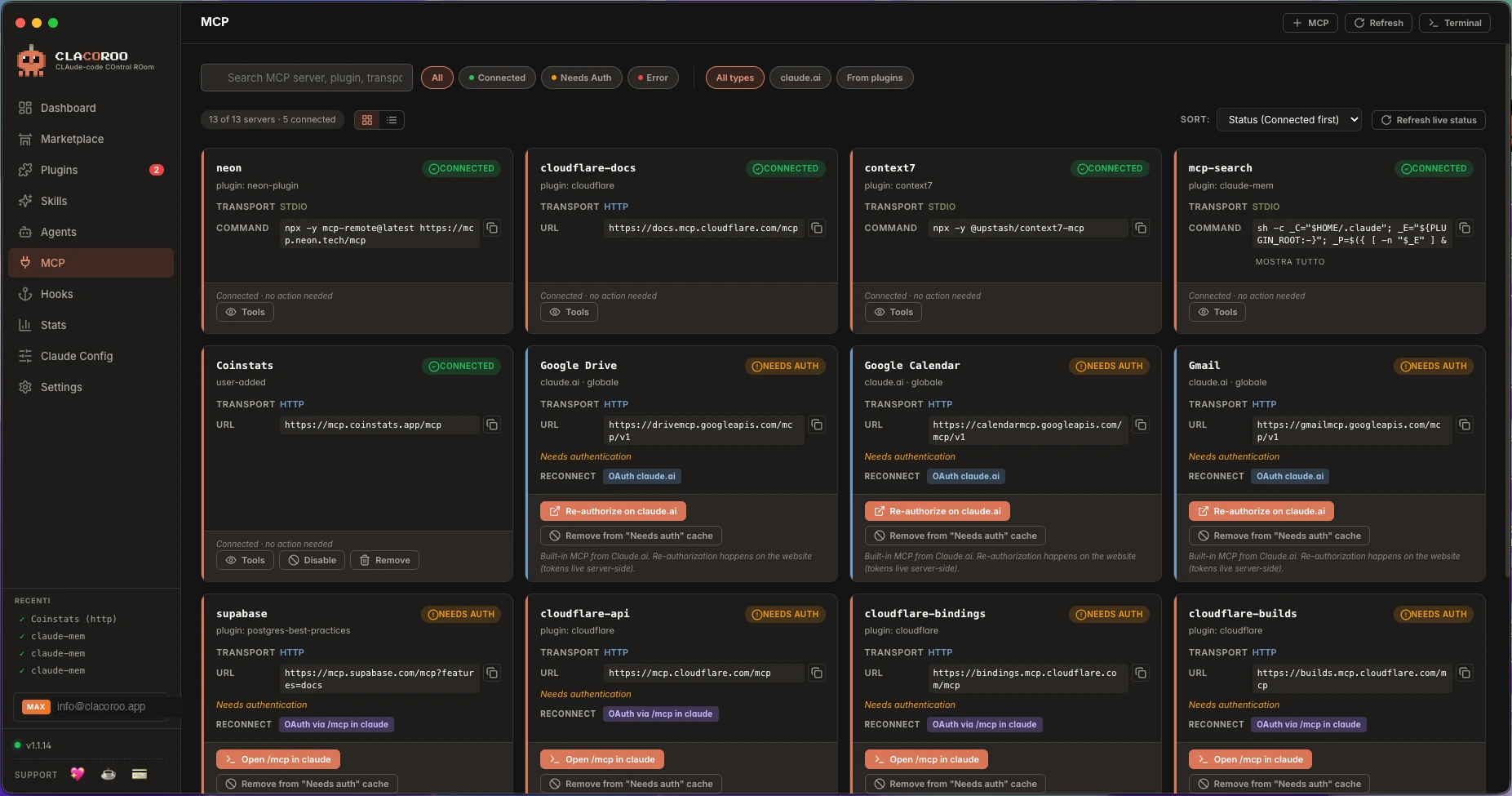
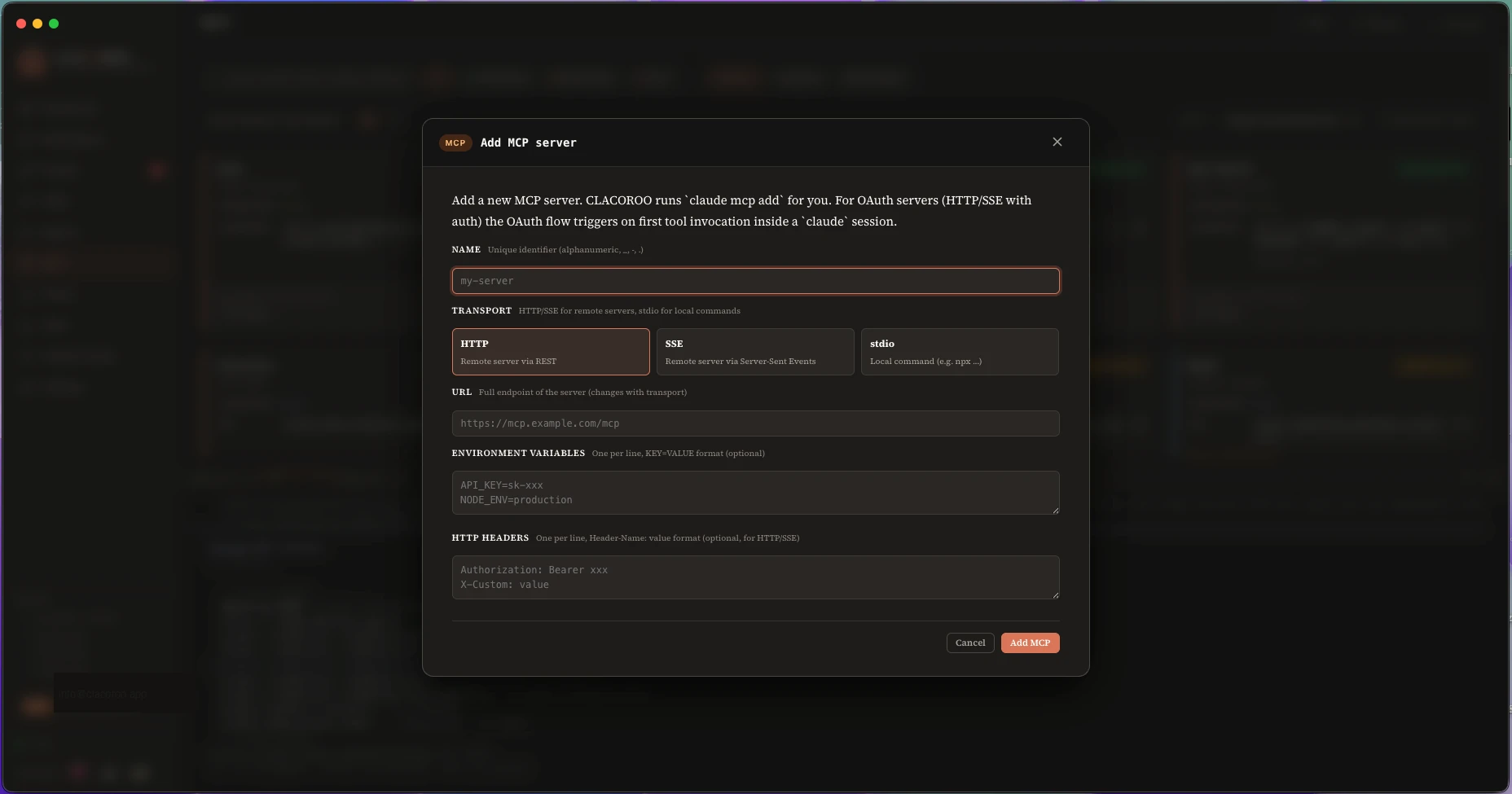
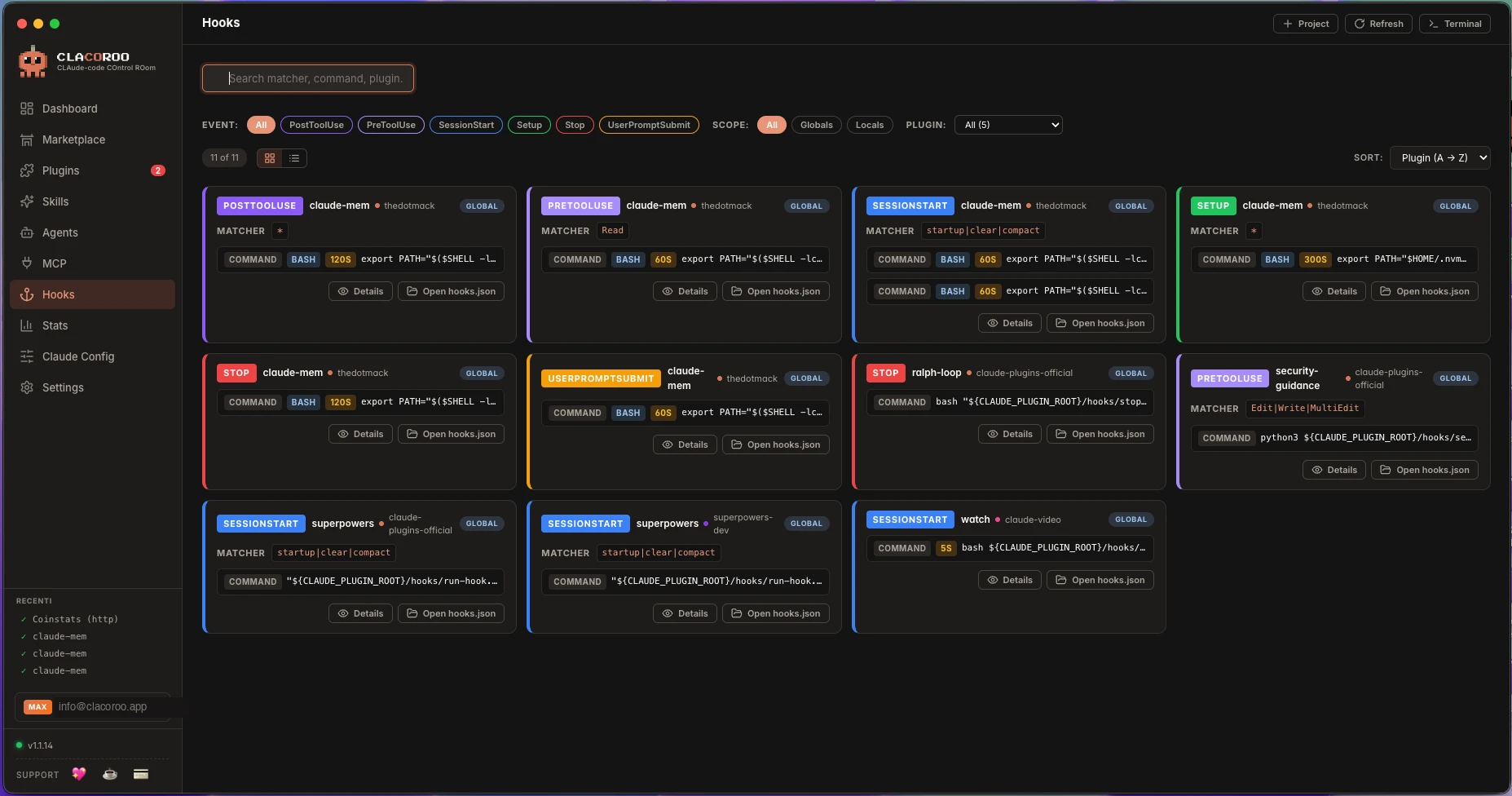
Set up and review Claude Code hooks from one view.
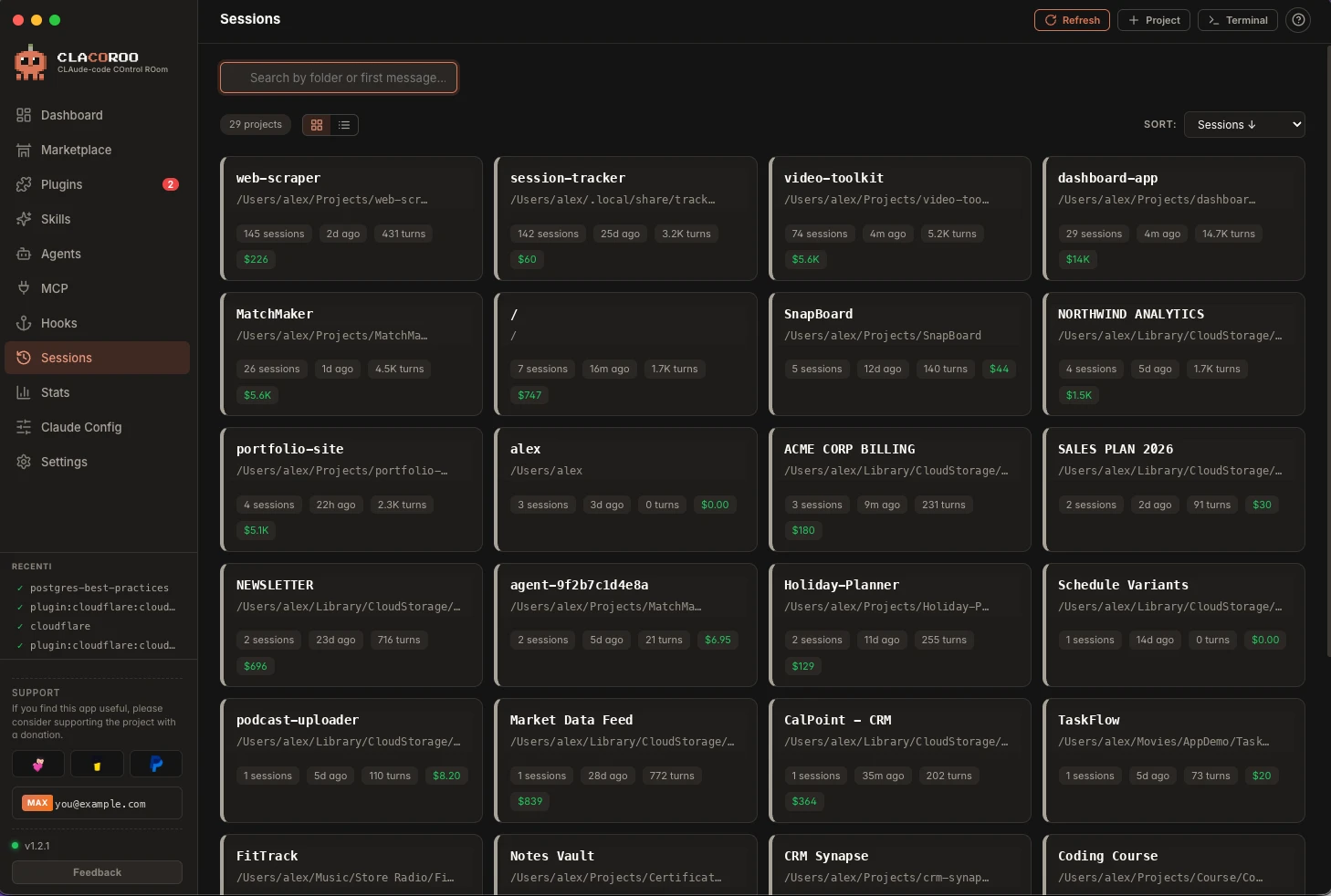
Every conversation you have had with Claude Code, grouped by the project it belongs to.
Run Claude Code in a multi-tab terminal built into the app.
In depth
Claude Code tells you that you hit the limit. It never tells you why. Fifty seconds on the three quota windows, and on the five things that are actually spending them.
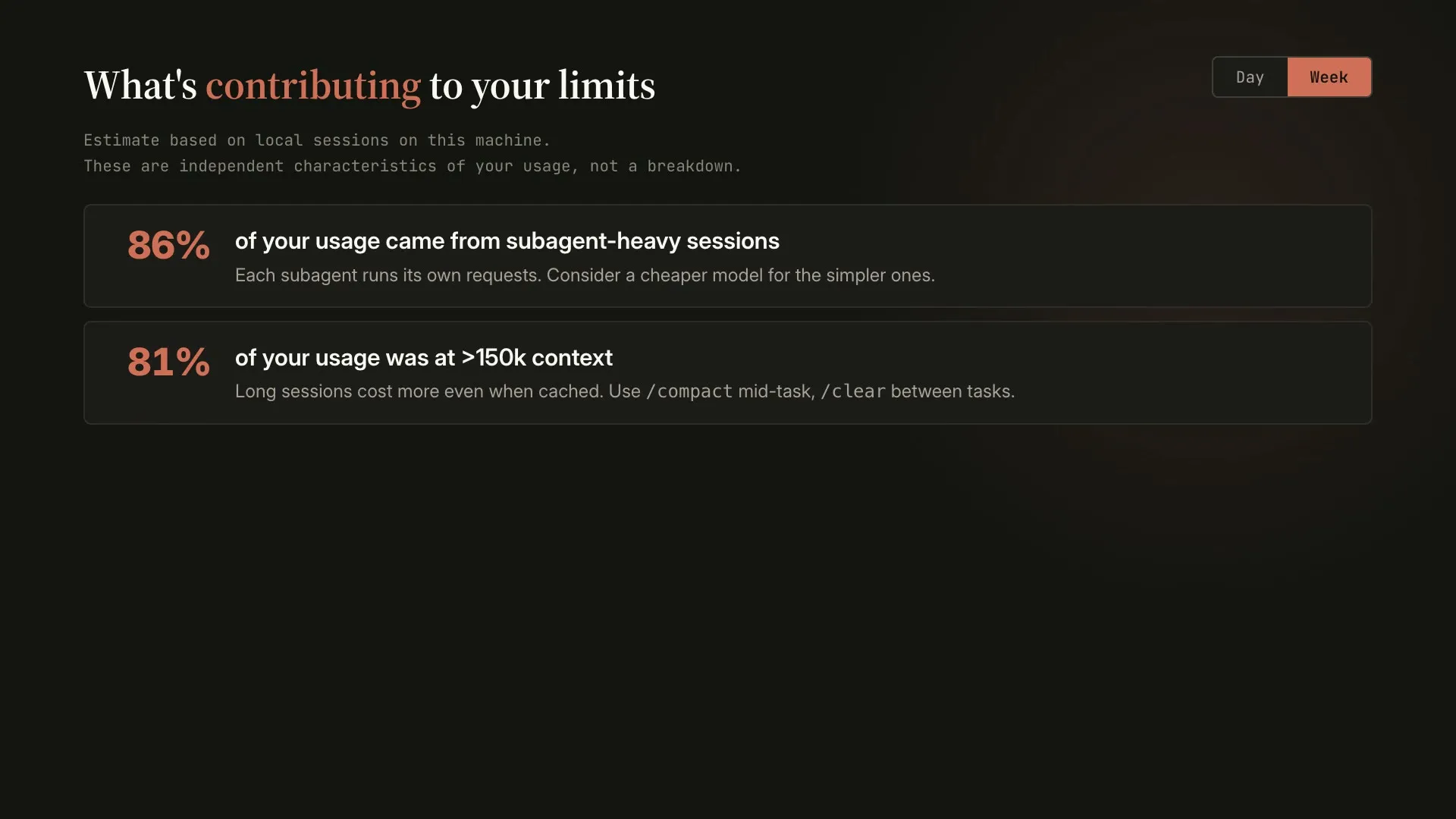
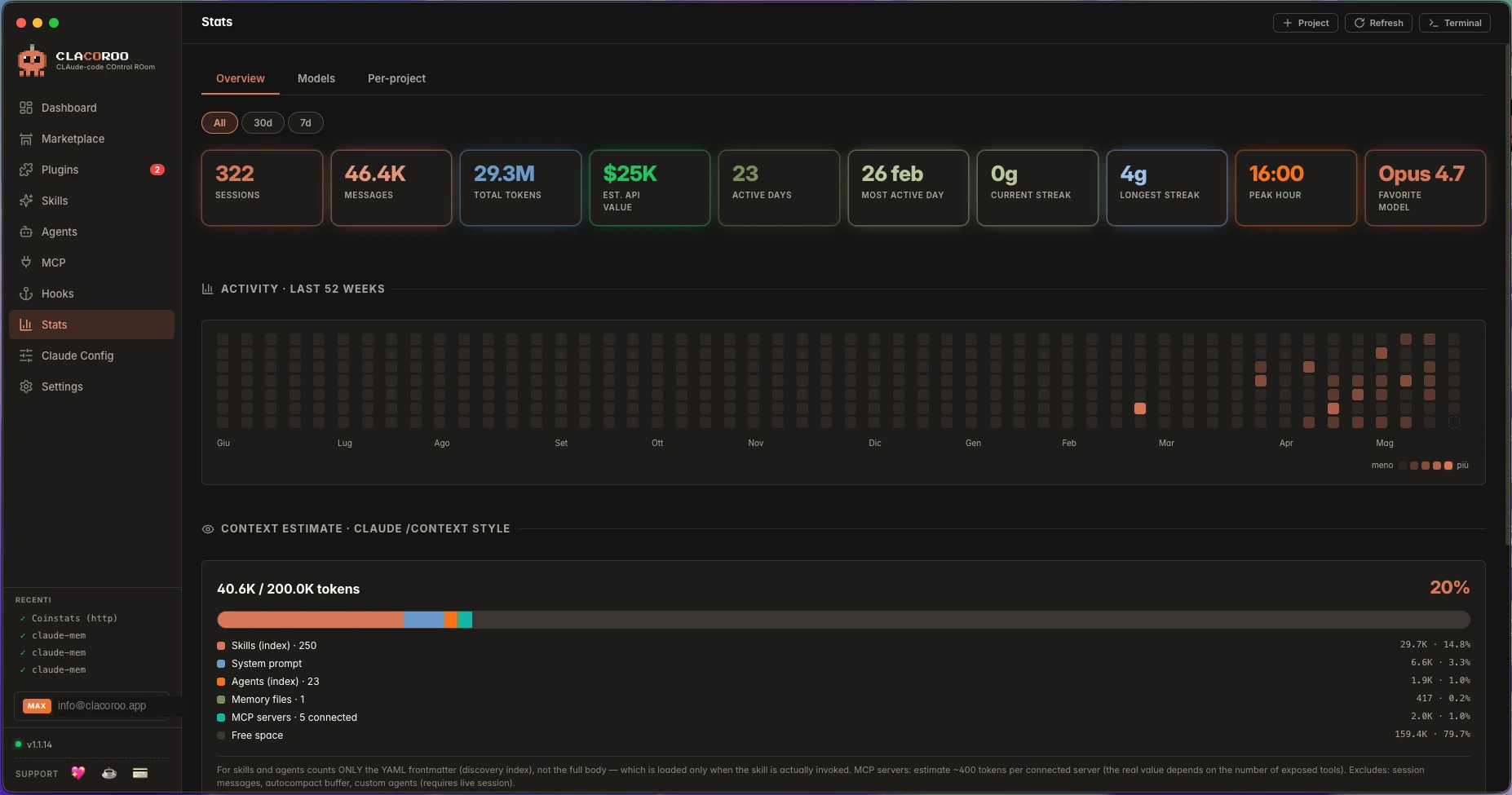
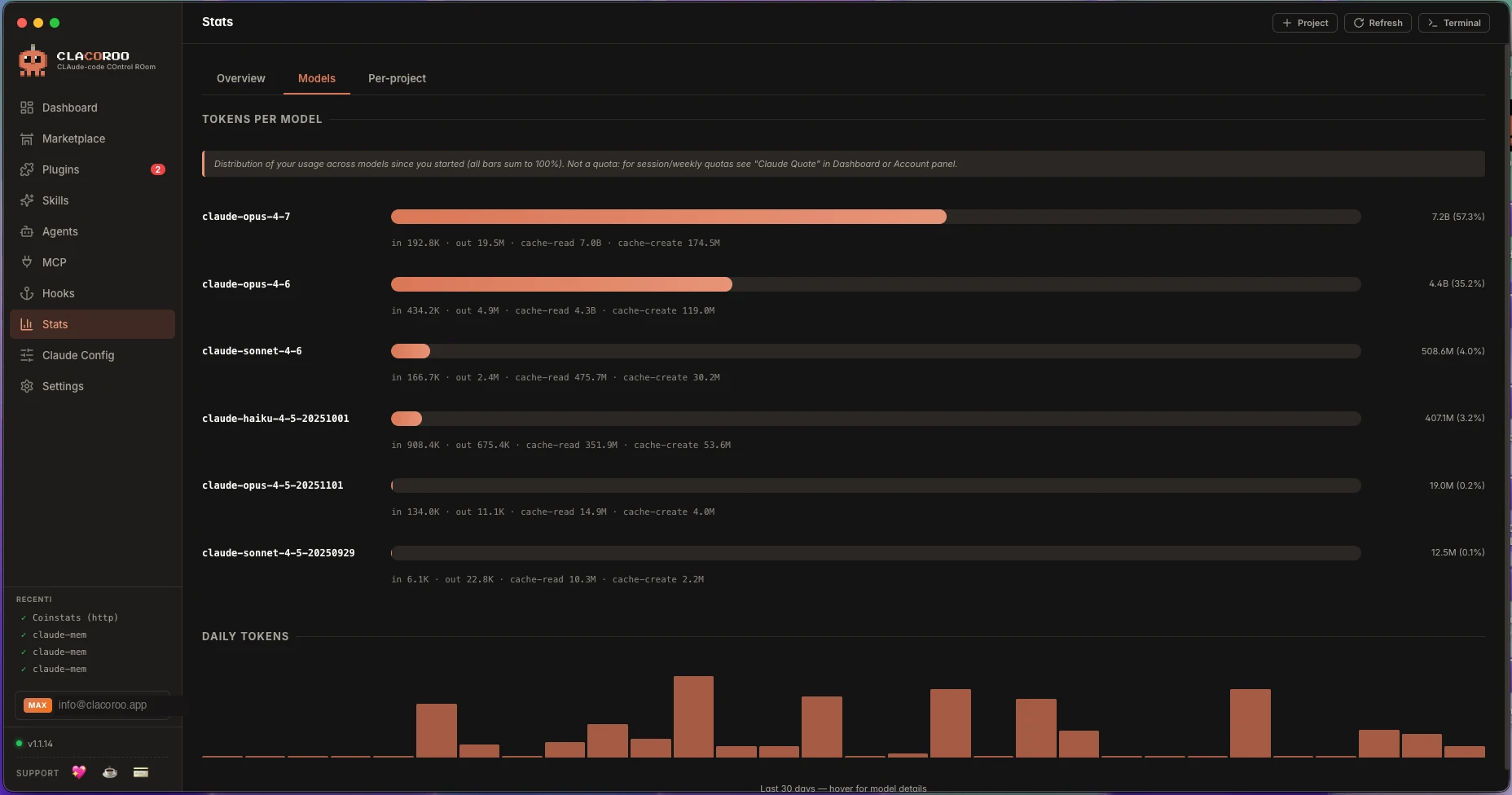
Usage and quotas over time.
1 / 2
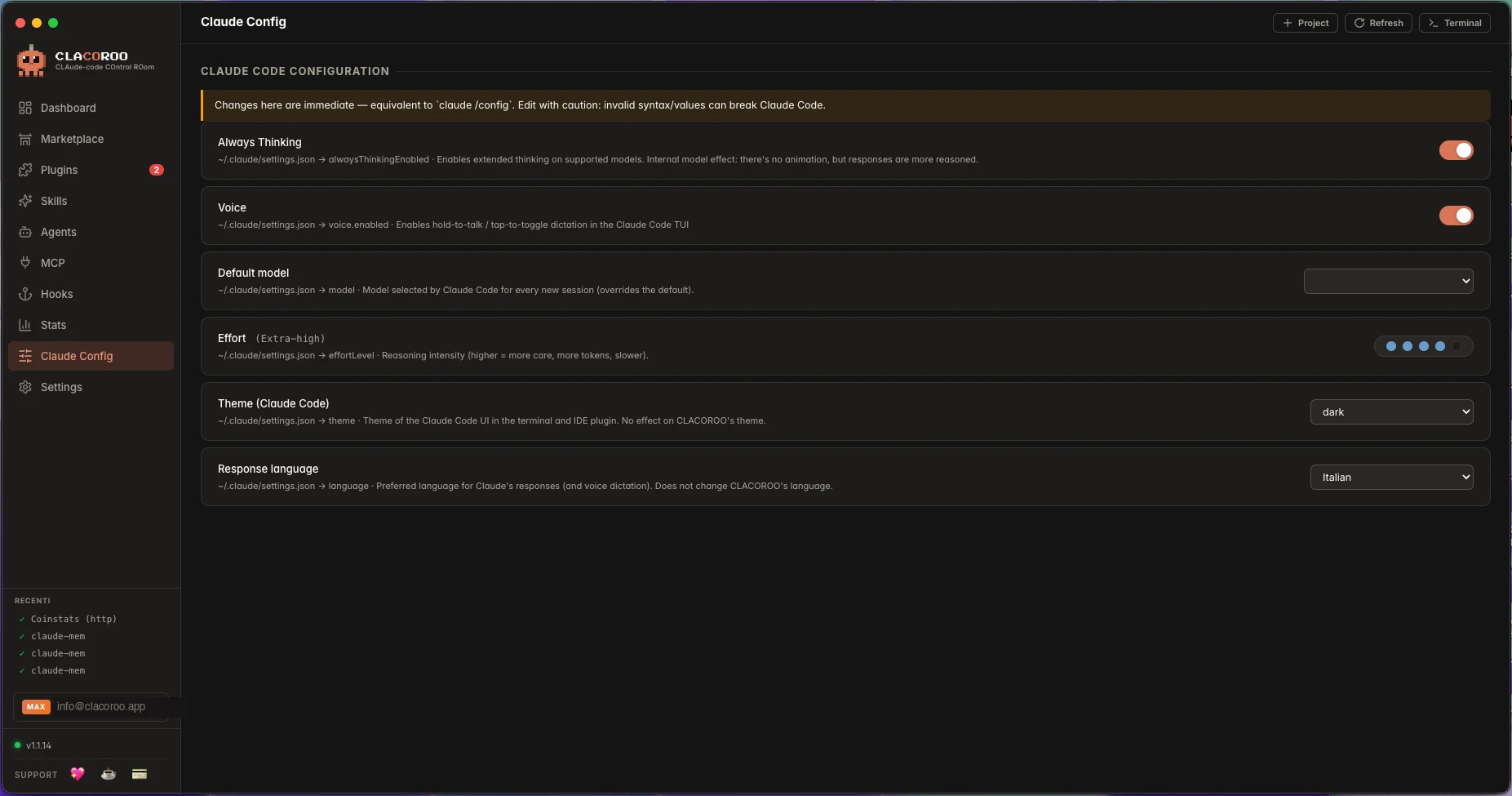
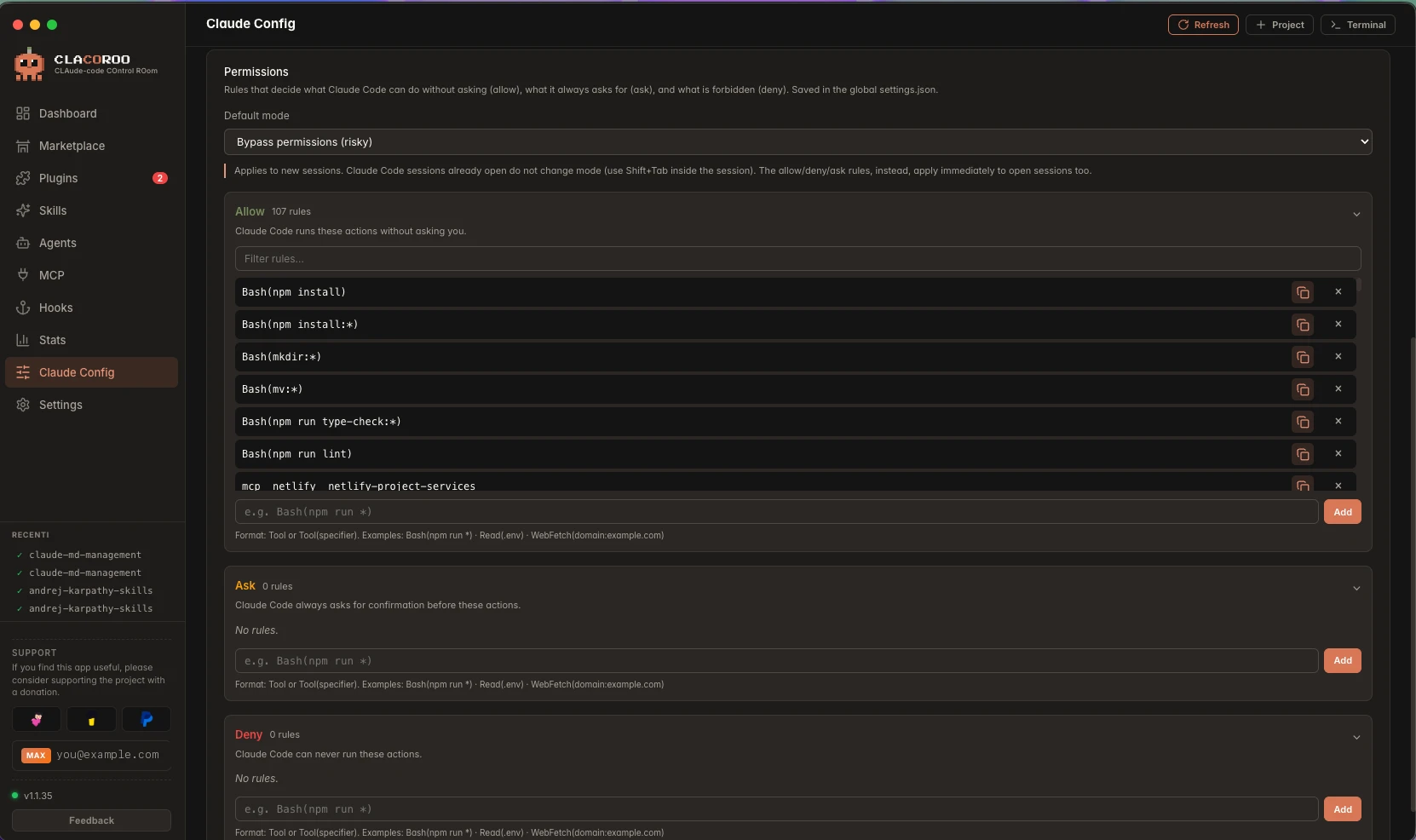
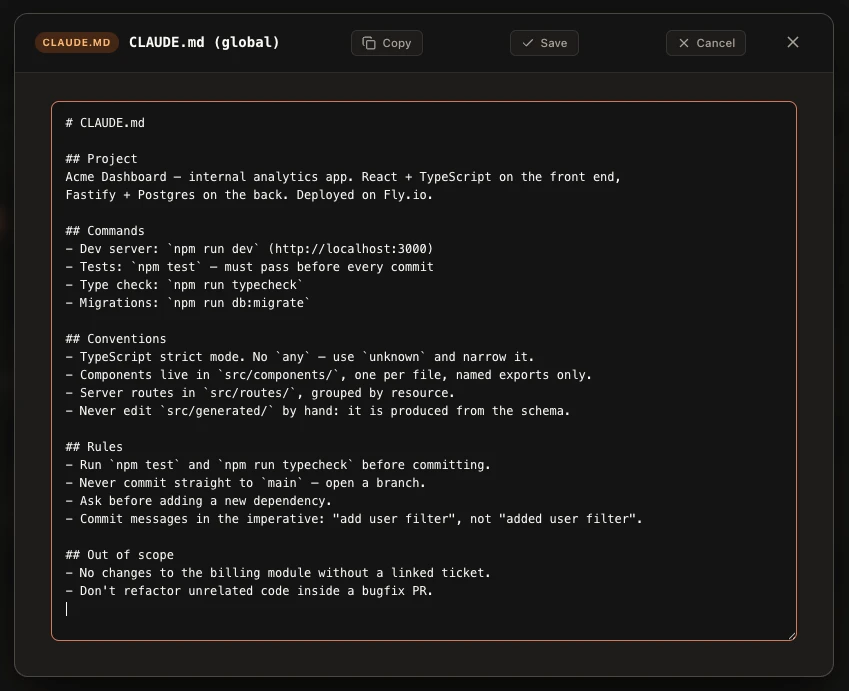
Read and adjust your Claude Code configuration.
1 / 2
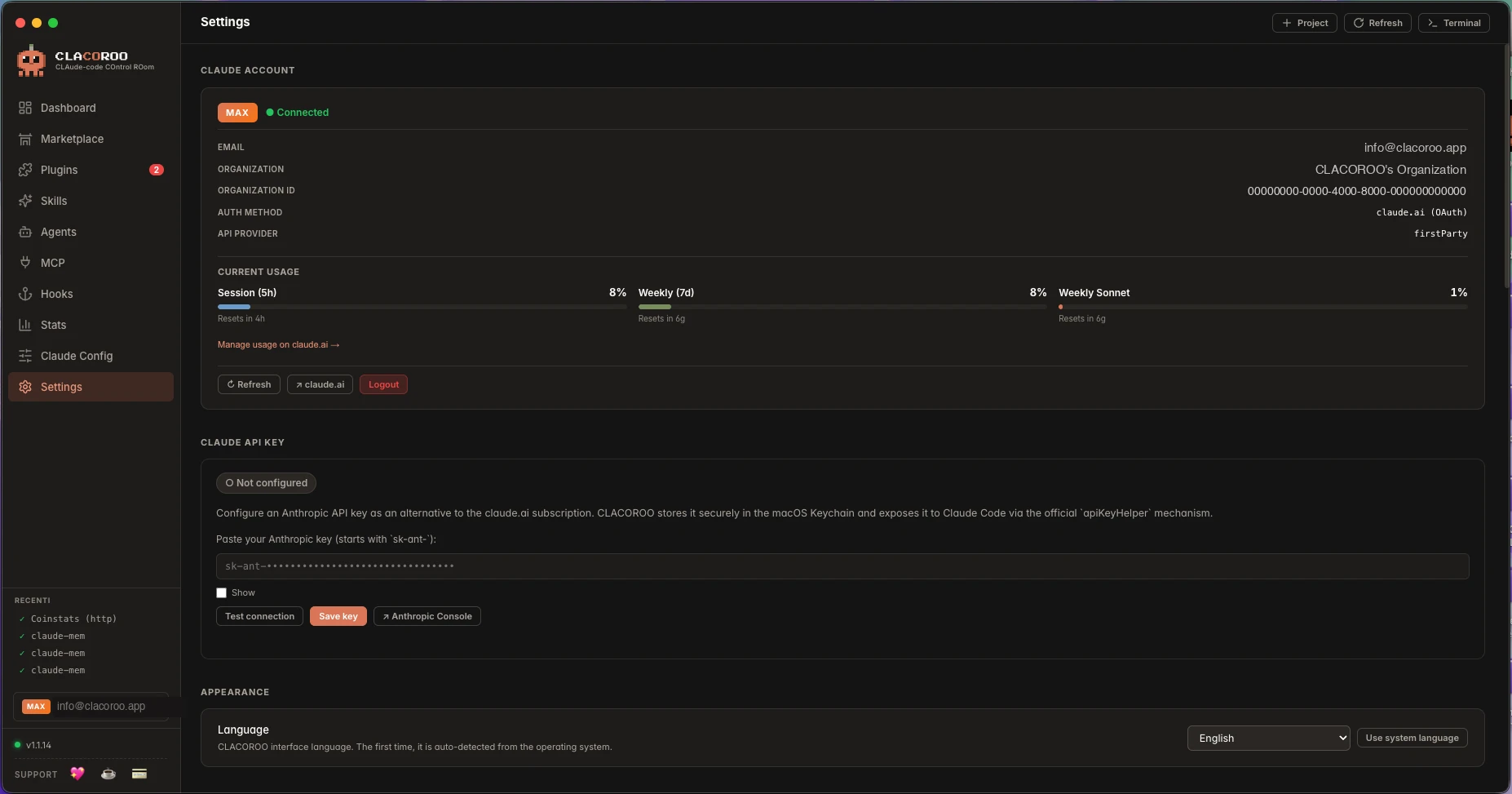
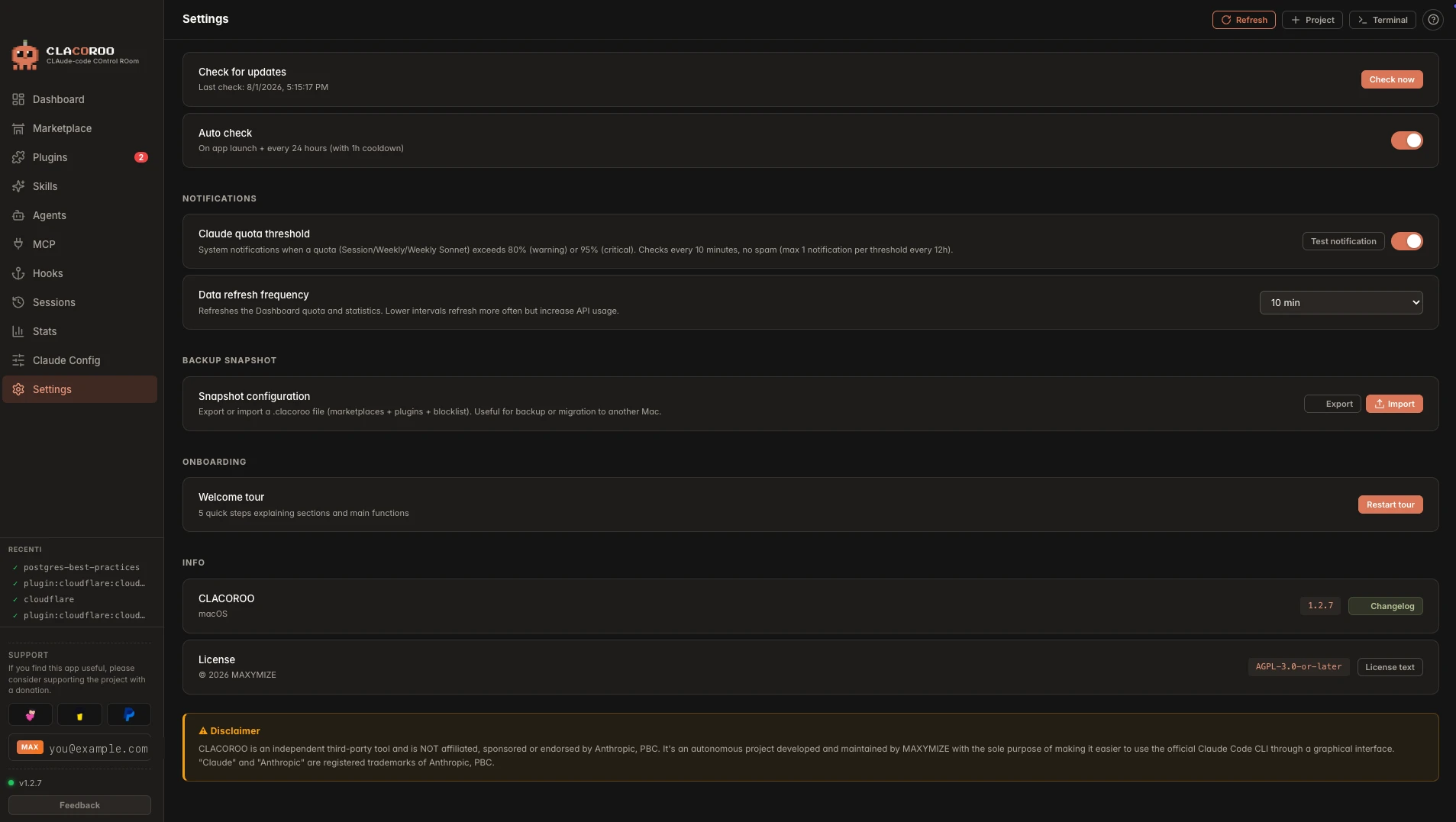
Your Claude account and quotas, plus an optional API key stored in the system keychain.
1 / 3
Free and open source. Download CLACOROO for macOS, Windows or Linux.
DownloadSupport the project


